
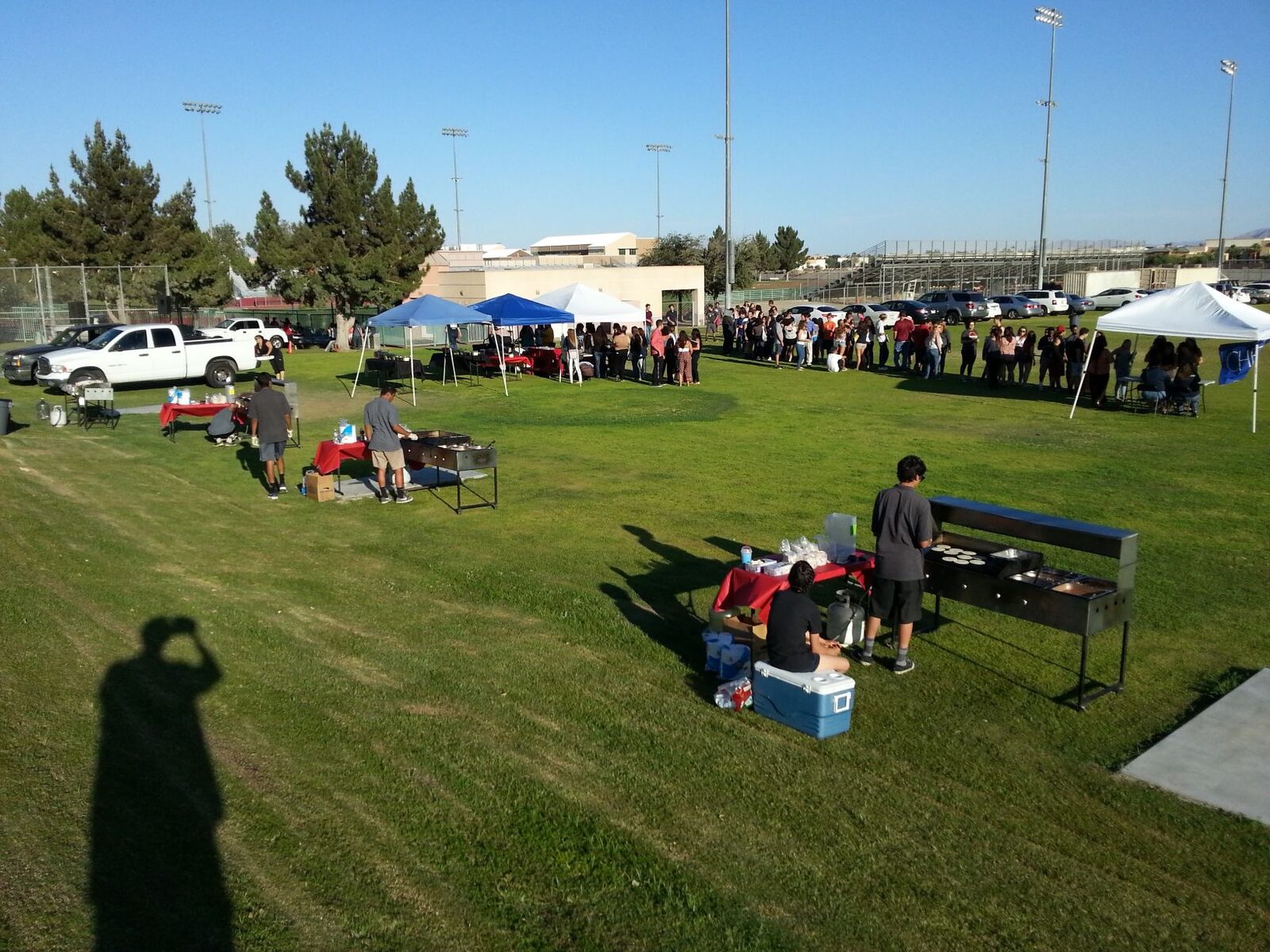
Show Up When Someone Searches Taco Catering Near Me
Done-for-you Google Business Profile management for taco caterers. I handle the weekly posts, photos, and reviews that keep you showing up when people search taco catering near me.
You cook better tacos than the caterers ranking above you, and somehow they get the “near me” calls while your phone stays quiet. That gap has almost nothing to do with your food. It comes down to what Google sees when someone in your city searches for taco catering.
Every month people type “taco catering near me” in cities all over the country. They want someone to cook at a birthday, a wedding, a graduation, a quinceañera, or a backyard party. If your Google Business Profile is thin or has not been touched in months, those people never see your name.
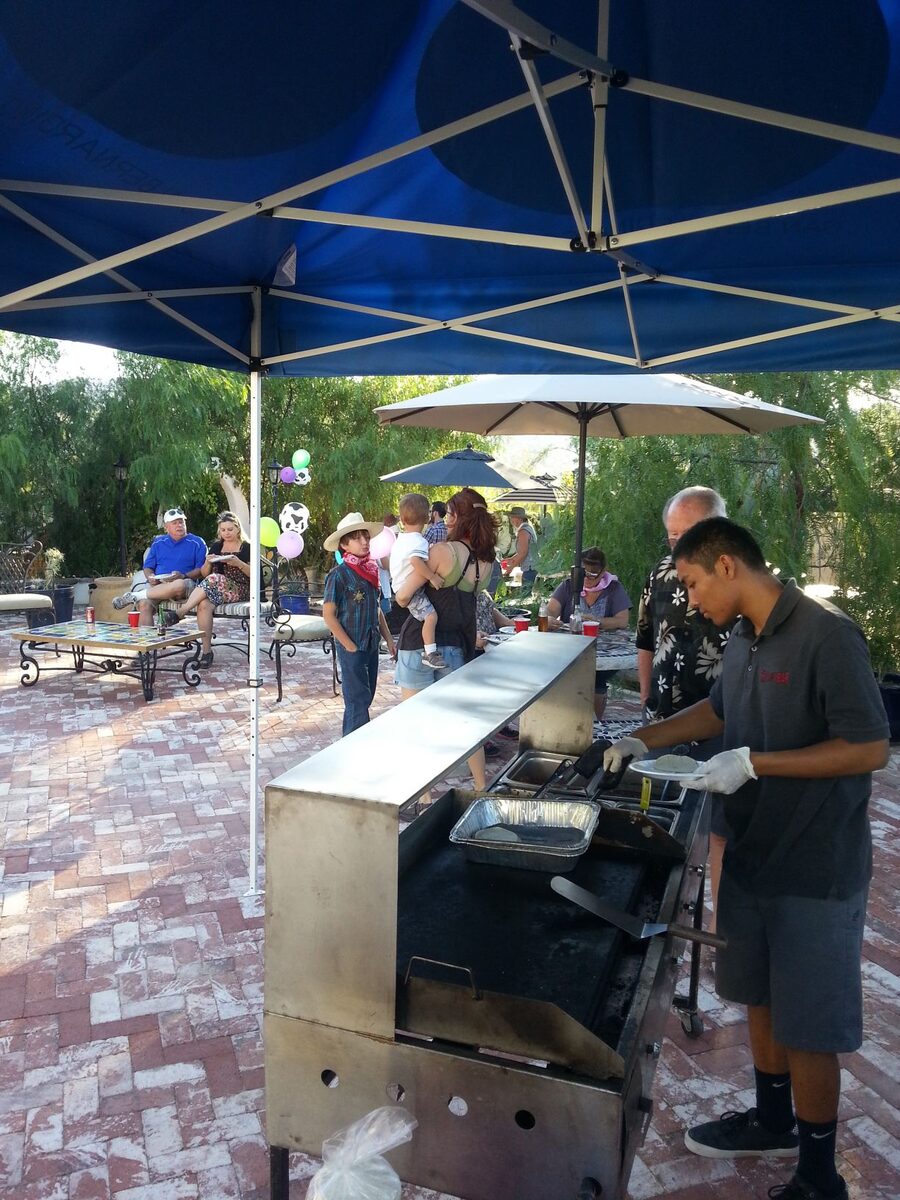
Have you ever searched your own business on Google? Try it right now. If your profile shows no recent photos, stale hours, or a few old reviews, you are handing those gigs away. The guy listed above you takes them.
Why the Same Few Caterers Keep Showing Up Above You
Most customers do not call a friend for a recommendation anymore. They pull out their phone and search a few words. Something like this.
- “taco catering near me”
- “taco truck for party”
- “taquero for wedding”
- “taco catering Riverside”
Even when someone types “taco truck,” plenty of them are happy with an on-site cart. They just use the words they already know. That means an on-site cart can absolutely win those searches, as long as Google understands what you offer.
Google then has to pick who shows up first. It weighs how complete your profile is and how well your categories match the search. How active and trusted your business looks over time matters just as much. A profile that stays accurate and keeps showing signs of life earns stronger visibility, because it sends clearer trust signals month after month.
Local searches make this matter even more. Google puts the Local Pack, the little map with three listings, right at the top of the page for searches that carry local intent, above the regular results. That is the space you are competing for, and it is the first thing a ready-to-book customer sees. Profiles that carry real photos also pull far more calls, clicks, and direction requests than profiles without them.
Your food might be the best in the valley. Google cannot taste it. It reads your profile instead, and that is the only thing between a searcher and your phone number.
The 4 Pillars of a Profile That Books Gigs
A Google Business Profile is not a set-it-and-forget-it listing. Google rewards steady activity and quietly demotes profiles that go silent. In fact, a burst of work followed by months of silence can hurt more than never starting. Google sees a busy profile suddenly go dark and assumes the business slowed down. Lack of consistency is actually worse than never doing it at all.
Four areas keep a profile visible and booking work. I call them the 4 Pillars, because when one goes quiet the whole thing weakens.
Pillar 1: Your Profile Details
Your name, categories, service areas, description, hours, phone number, and attributes all need to be correct and current. Google reads this information to decide whether you match a search. A wrong category or missing service area means it skips you.
Category choice trips up a lot of caterers. For an on-site cart, your primary category should be Caterer, since that is what you actually do. Then add secondary categories that fit how you work, such as Mexican restaurant, Taco restaurant, or Food stand. That mix tells Google you cook on site rather than run a sit-down spot, which is how you beat a generic listing.
Pillar 2: Photos
Real photos from real events do the heavy lifting here. Two per week, uploaded on separate days, works far better than one big dump on a Sunday night. Show your cart, your grill, tortillas on the comal, and meat on the flat top. Capture the setup before guests arrive and the plates going out. Skip stock images, because Google can spot them and they build zero trust. Steady, separate-day uploads tell Google your business is working right now.
Pillar 3: Posts
Short updates published twice a week, on separate days, keep your profile looking active. A recent event recap, a seasonal reminder, a menu highlight, or a “now booking taco catering in [city]” note all work. You can also answer a real question customers ask, like how far you travel or how far ahead to book. The point is steady signal that says this business is open, working, and relevant today.
Pillar 4: Reviews
Reviews need a steady rhythm of asking, collecting, and replying. Ask every customer, follow up with the ones who forget, and reply to each review you get. Google now treats owner replies as a sign the business is real and active, so they matter for ranking as well as trust.
Two cautions come with this. First, mention the actual event in your reply and sound like a person, not a template. Something like “glad the carne asada was a hit at your backyard party” reads as real. Stuffing keywords into every reply now backfires, since Google flags responses that look copied and pasted. Second, spread your review requests evenly across the month. Blasting a batch out in one day looks like a spike, and Google can flag that as spam and freeze even honest reviews. Asking every customer as you go is the rule now, not just good manners.
What the Weekly Work Really Takes
Here is the part nobody mentions when they tell you to “just keep your listing updated.” Done right, this is a real weekly rhythm, not a one-time chore.
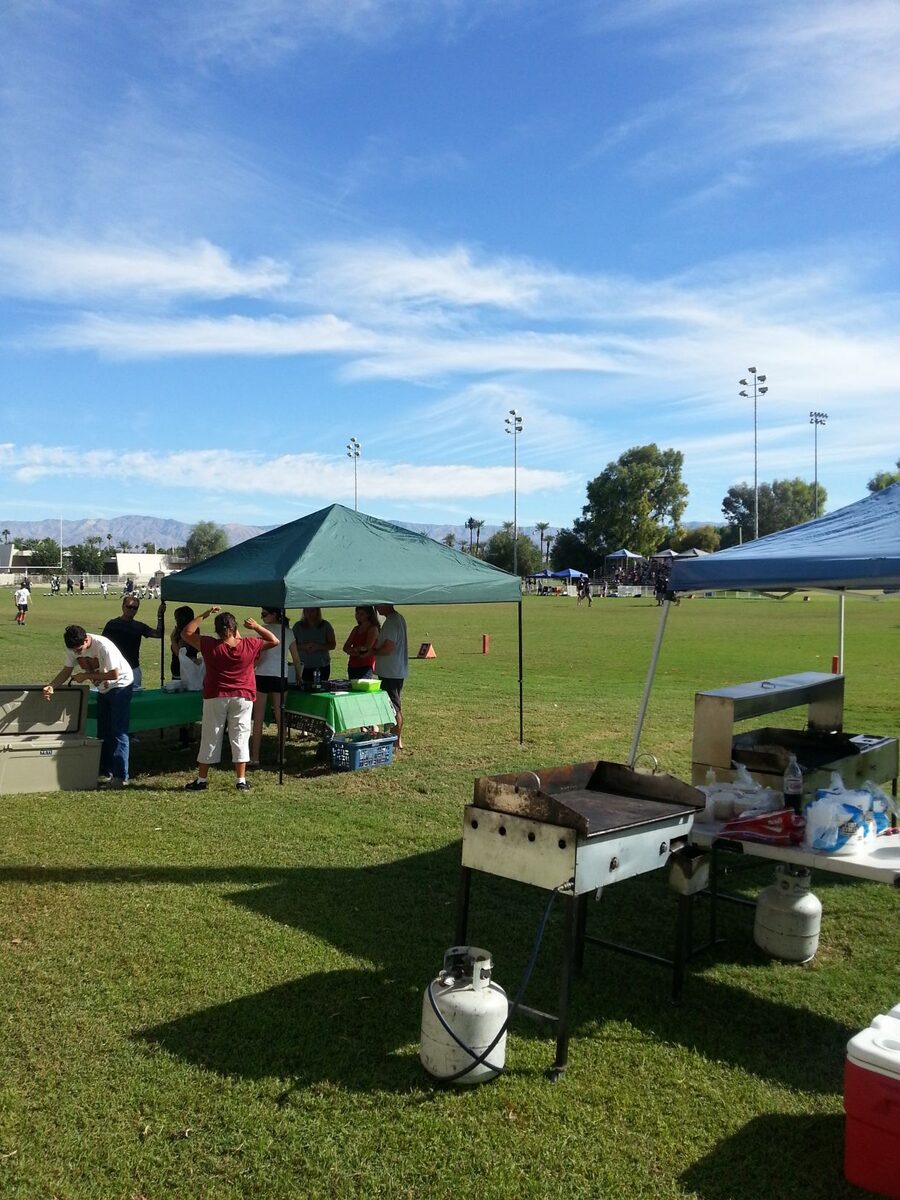
Monday: Post. Publish the first post of the week. When you still have real questions from customers, make it a Q&A post. Cover how far you travel, what is included, or how many guests you can serve. (20 to 30 minutes)
Tuesday: Photo. Upload one current photo from a recent event, such as your setup, the grill, or plates going out. One real image, not a batch of old ones. (15 to 20 minutes)
Wednesday: Post. Publish the second post. This can be an event recap, a seasonal reminder, a menu highlight, or a city-specific booking note. (20 to 30 minutes)
Thursday: Photo. Upload the second photo, from a different event or angle. Check for any Google-suggested edits so bad information does not sit there hurting you. (15 to 20 minutes)
Friday: Reviews. Send or schedule requests, follow up with people who went quiet, reply to anything new, and confirm your hours and service areas still match reality. (30 to 45 minutes)
Weekend: Capture. Take usable photos at your events and save customer contact info so next week is ready to go. (10 to 15 minutes of real attention)
That adds up to roughly 2 to 3 hours a week when you do it properly. Over a month that is 8 to 12 hours, every month, with no skipped weeks.
Here is what makes it heavy. The schedule does not pause when you have three events back to back. Shopping for 200 guests on a Thursday morning does not buy you a week off either. Your slow season, when marketing is the last thing on your mind, gets the same weekly demand. Even a helper calling in sick while you prep alone changes nothing. The tasks themselves are simple. Doing them every single week while running the whole operation is the hard part.
Before and After
When the weekly work slips, your profile drifts toward the left column. Handle it every week, and it looks like the right column instead.
| Neglected profile | Managed profile |
|---|---|
| No new photos in months | Fresh photos added through the week |
| Description just says “we do catering” | Clear description of what you cook and where |
| Wrong or generic category | Correct, specific categories for an on-site cart |
| No posts since last year | Regular posts showing recent events and openings |
| Old reviews sitting with no replies | Every review answered like a real person |
| Service areas missing or too broad | Named cities that match where you work |
| Searchers scroll past to the next name | Searchers see an active business and call |
One of these gets the weekend gig. The other watches it go to the caterer listed above.
The Questions Taco Caterers Ask Before Handing This Off
“Can I Just Do This Myself?”
Yes, you can. Managing your own profile is not complicated, and the rhythm is the same one above. Publish a post Monday, a photo Tuesday, another post Wednesday, another photo Thursday, then handle reviews Friday.
I publish plain walkthroughs for taco caterers who want to set up and improve their own profile. The steps are simple on paper. Keeping up with them every week, while you shop, prep meat, cook events, and answer calls, is where almost everyone falls behind. Most caterers do not stall because they cannot learn this. They stall because the work repeats forever and is always easy to postpone. If you want to run it yourself, start with Set Up Your Taco Catering Google Profile and The Weekly Google Maps Routine. Prefer to hand the weekly work off? That is what this service does.
“I Already Have a Google Profile”
Good, that is the starting point. Having a profile and having one that books gigs are two different things, though. When did you last add photos? Are your categories right? Do you show the cities you actually serve, and are you replying to every review? Does your profile give someone a reason to call you over the other three the map shows? If the honest answer is not really, there is room to fix it.
“I Get All My Gigs From Word of Mouth”
Word of mouth is great, and it is also fragile. January goes quiet. A steady client moves away. One venue stops passing your name around, or the cousin who always recommended you gets busy. Your profile keeps working when your network goes silent. It puts you in front of strangers searching for taco catering in your area right now. They find you before they know anyone who could point them your way.
“Do I Even Need a Website?”
Not to get found, no. A complete Google profile can bring in calls on its own, and plenty of caterers book steadily without a full site. Even so, a simple one-page site helps. It gives Google another matching signal and gives customers a place to see your menu and prices. You do not need anything fancy. The profile does the finding, and a basic page backs it up. If you want to weigh it, read When Your Taco Catering Business Actually Needs a Website.
What I Handle for You
If you would rather spend your hours prepping, cooking, and running events, I take the whole weekly process off your plate. This service is for caterers who already have a Google Business Profile and can reach the Google account that controls it. Here is what that covers.
- Profile details. I keep your categories, service areas, description, hours, and attributes accurate and compliant, and I fix problems as they come up.
- Photos. I tell you what to shoot and publish two per week on separate days, every week.
- Posts. I write and publish two posts a week on separate days, from event recaps to seasonal notes to booking updates.
- Reviews. I set up a steady request system spread across the month and reply to every review in your voice. The pacing stays safe, so nothing trips Google’s spam filter.
- Plain reporting. Once a month you get a short note showing how many people found you, how many called, and how many clicked. No charts to decode.

Giving Me Manager Access
You stay the owner of the profile the entire time. All you do is invite me as a Manager, which lets me post, reply, and update, but not remove you or delete the profile. Here is the process:
- Sign in to the Google account that manages your profile.
- Find your business by searching its name on Google.
- Open the three-dot menu and choose Business Profile settings.
- Select People and access.
- Click Add, then enter my email address.
- Choose Manager as the role, not Owner or Primary Owner.
- Click Invite. I accept the emailed invitation, and we are set.
I do not create new profiles, claim profiles, or recover lost access. You need to already have the profile and be able to reach the Google account that manages it.
The First Two Weeks
Once I have Manager access, I audit the whole profile against a checklist. Business info, hours, service areas, products, reviews, posts, images, and rank tracking all get a pass. Wherever there are gaps, I fill them. Then I start the weekly rhythm, so the posts, photos, review requests, and profile checks happen on schedule instead of whenever you remember. You keep cooking. I keep the profile working.
Pricing
Profile management runs $300 a month.
No long contract, no surprise fees, and you can cancel any time. For that, I handle the recurring work most caterers cannot keep up with: two posts a week, two photos a week, Friday review work, profile cleanup, and a plain monthly report. One good gig from someone who found you on Google covers the cost several times over.
Start Getting Found on Google
Want me to handle the weekly work? Send the request and I will follow up with the Manager access steps and the few business details I need to start. From there, you get back to cooking, and your profile finally starts pulling in the calls your food has earned.
See the Services
- Taco catering leads: real people reaching out, already looking for taco catering in your area.
- Websites and location pages: a site you own that shows your food and books gigs.
- Compare all services