
Set Up Your Taco Catering Google Profile So Local Searches Turn Into Calls
How a taco caterer claims, fills out, and verifies a Google Business Profile the right way, from access to categories, service areas, photos, and reviews.
Someone in your city just typed “taco catering near me,” and another caterer got the call. Their food is not better than yours. The difference is that their profile was easier for Google to trust and show. That gap is fixable, and it does not require you to become a marketing person.
Your Google Business Profile is the listing that shows up on Google Maps and in local search. It tells Google what you do, where you work, how to reach you, and what past customers say. Google then decides who to show based on three things it has weighed for years. Relevance is how well your profile matches the search. Distance is how close you are to the searcher. Prominence is how established and active you look. You cannot move closer to everyone, but relevance and prominence are yours to shape.
A thin or half-finished profile makes that choice easy for Google, and easy for the caterer who filled theirs out. The work below is mostly free, and it maps straight to booking calls.
Get Into Your Own Listing First
Before you touch anything else, confirm you can log into the Google account that controls your profile. Someone may have set it up years ago, maybe a relative or an old helper, and the login is long gone. This is common, and it stops a lot of caterers before they even start.
You can take the listing back. Search for your business in Google Maps, open the profile, and choose the option to request access or claim the business. Google notifies whoever currently manages it, and that person has three days to respond. If they do not respond, you often get the option to claim it yourself. Handle this first, because everything else depends on being able to edit the profile.
Fill In the Basics and Pass Verification
Google reads every field on your profile to decide whether you fit a search. Customers read the same fields to decide whether to call. A blank or vague field is a missed chance on both sides.
Fill in each field carefully, and match how a customer would describe you. The table below shows what each one does and the mistake to avoid.
| Field | Why it matters | Common mistake |
|---|---|---|
| Business name | Your exact real name, how customers know you | Stuffing keywords like “Best Taco Catering,” which can get you suspended |
| Phone number | The line you actually answer for bookings | Using a number you rarely check |
| Website | Where people confirm you look legit | Leaving it blank when you have even a simple page |
| Hours | When you take calls and quotes | Listing storefront hours you do not keep |
| Category | Tells Google what kind of business you are | Picking “Restaurant” instead of a catering category |
| Service areas | The towns and regions you cover | Listing every city for miles around |
| Description | Up to 750 characters, first 250 show | Writing a keyword list instead of plain language |
| Services | The taco catering options you offer | Leaving it empty |
| Photos | Proof of real events | Using stock images |
Google will not show a new profile until you verify it. In 2026, most new listings and service-area businesses verify with a short video instead of a mailed postcard. You record it in the Google Maps app on your phone, walking through proof that your business is real and yours. Google reviews the video, and that review takes up to five business days.
Film one steady clip with no cuts. Show yourself accessing your equipment or setup, and make sure any details on camera match your profile exactly. A mismatch is the most common reason a video gets rejected, so line up the profile before you record.
Your description should read like you talking about your business, not a pile of keywords. Say what you cook, who you serve, and where you work. Then name the events you do most, like weddings, quinceañeras, birthdays, graduations, and backyard parties. You get 750 characters, and only the first 250 show before a “Read more” link, so put the important part up front. If you offer per-person packages, a salsa bar, delivery, or full-service setups, mention those in plain words.
Tell Google What You Do and Where
Two fields decide whether Google reads you as a taco caterer serving a specific area. Get them both right and you match the searches you want.
Your category tells Google what kind of business you are, and it is among the strongest signals for who shows up. Do not pick something because it sounds bigger or fancier. A taco caterer who travels to events usually fits “Caterer” or “Mobile Caterer” best, since those match how people search and what you actually do. You get one primary category plus up to nine more. Keep the primary one tight, then add a few honest secondaries that fit your real work. When a competitor outranks you with worse food, a wrong or generic category is often the reason. Google reads their profile as a clearer match, so it shows them first.
Because you cook at the customer’s location, your service areas tell Google where to show you. Add the towns and regions you really cover, not everywhere you would drive for the right price. Google lets you list up to twenty areas, and your overall coverage should stay within about two hours of driving from your base. Think like the person searching. If someone in a listed town searches taco catering, would you book that event without blinking? Start with the places where you already work or want more weekends. Padding the map with far-off cities makes you look less believable, and it can water down how you rank where it counts.
Add Real Event Photos
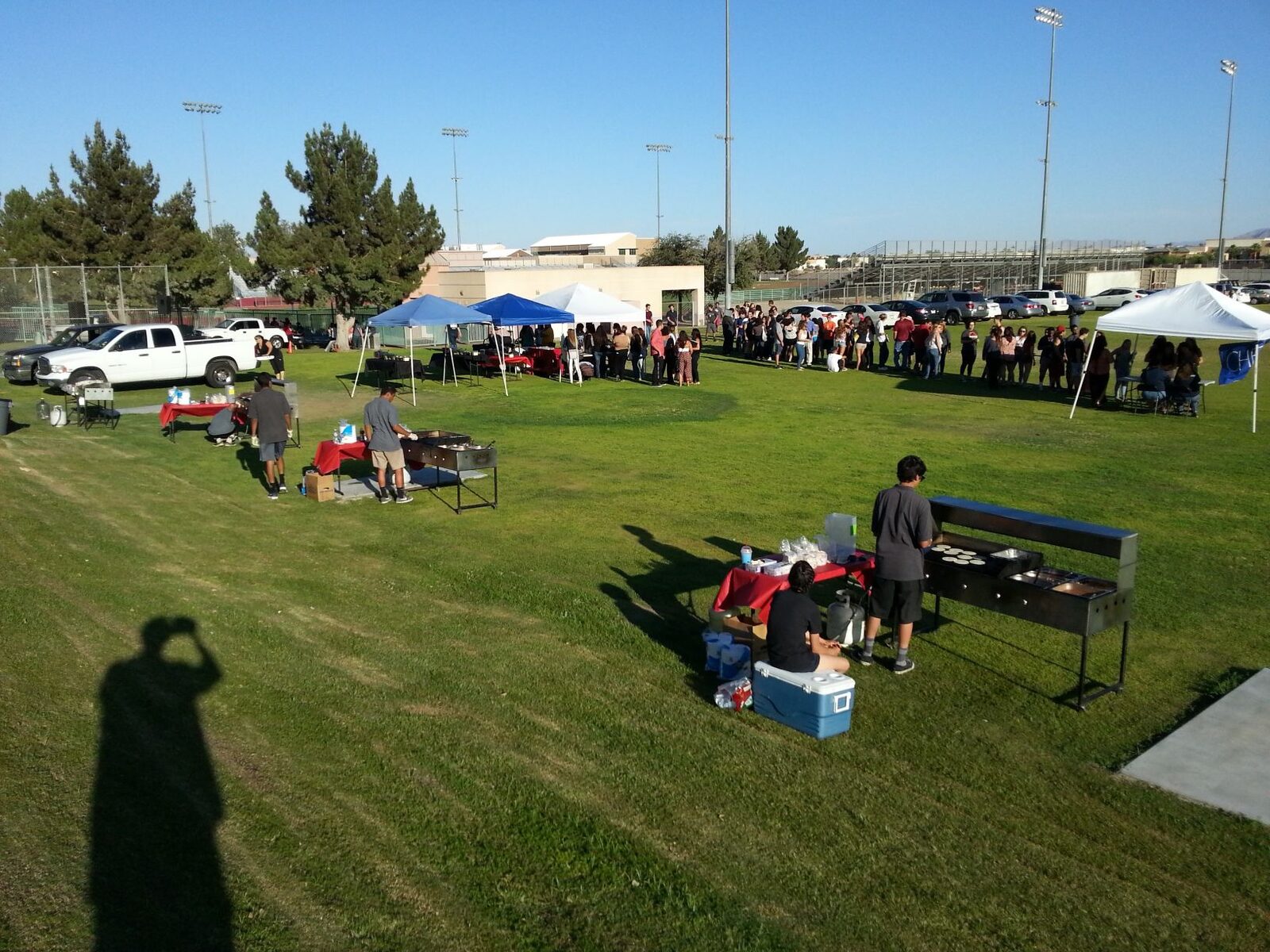
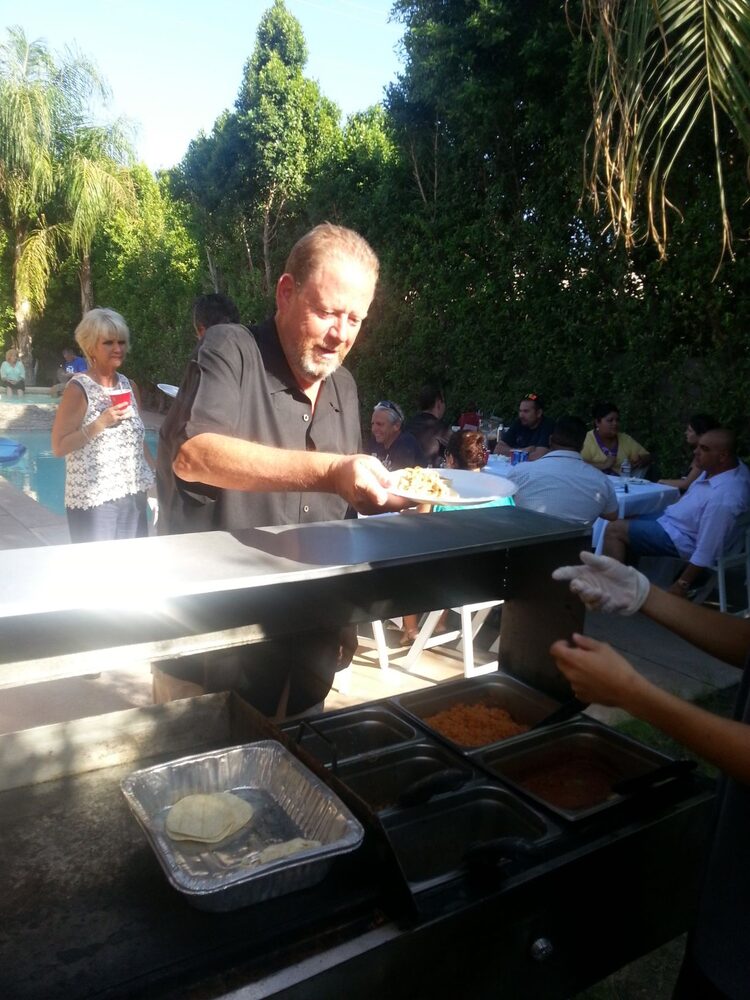
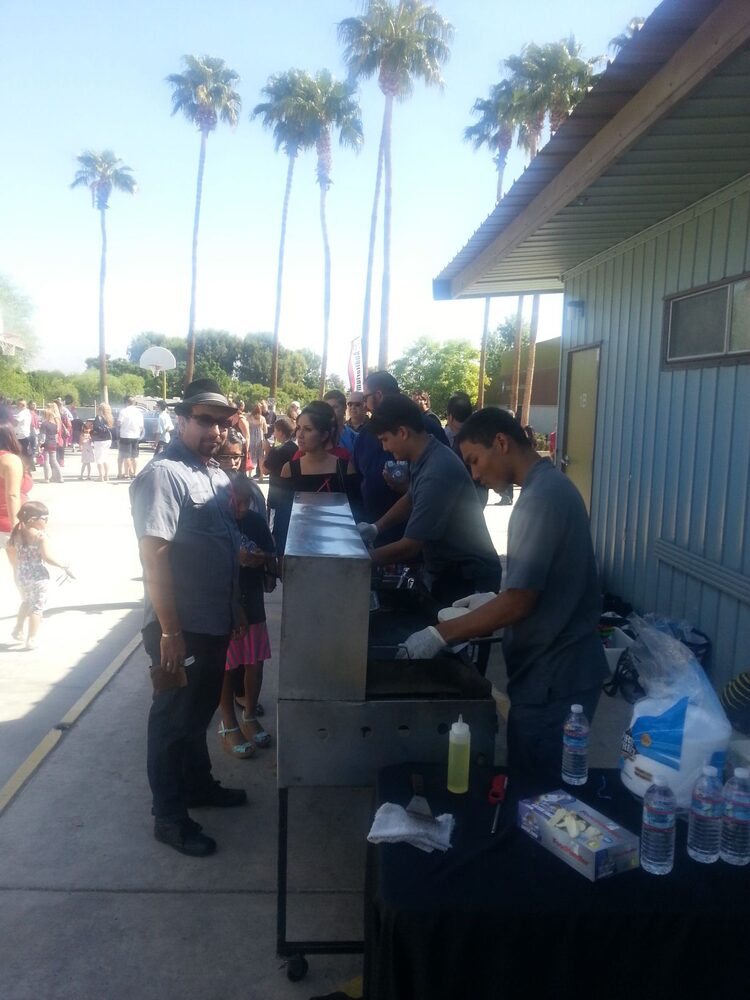
Photos do more than fill space, because they show a stranger what it looks like to book you. Customers want to see your setup, your grill going, the food, the line, and your team working a real event. Google also treats steady photo activity as a sign the business is alive rather than abandoned.
Use shots from actual events whenever you can. Aim to capture these.
- Your cart or setup before service starts
- Tacos cooking on the grill
- Finished plates ready to hand over
- The salsa and toppings table
- Guests lined up and eating
- Your team working the event
- The setup in a backyard, venue, or office
Skip stock photos, because customers can feel the difference between a real event and a catalog image. Do not dump thirty photos in one day and then vanish for six months either. Add a few steadily, so the profile keeps looking active between big pushes.

Ask for Reviews and Reply to Every One
Reviews are how a stranger decides whether to trust you before they ever call. They also give Google more signal that your business is real and active. Asking can feel awkward, so make it a simple habit instead of a big favor. After an event goes well, send the customer your review link with a short thank-you. Do it every time, not just when you suddenly need twenty reviews.
Then reply to every review, good or bad. For a good one, skip the plain “thanks.” Mention the event, the town, or something you remember about the day. That kind of reply shows future readers you show up and pay attention. For a bad one, stay calm and do not argue. Acknowledge the issue, add any context that helps, and invite the person to reach you directly to make it right.
Future customers read those replies closely, because they want to see how you handle a problem, not just a compliment. Detailed replies also give Google more context about the events you serve and the towns where you work.
What to Do First
If you are setting the profile up for the first time, work in this order.
- Get access to the right Google account, or request it if someone else holds it.
- Fill in every field and match how customers describe you.
- Choose “Caterer” or “Mobile Caterer” as your category, plus a few honest secondaries.
- Set the service areas you truly cover.
- Verify the profile with the video step and wait for Google to approve it.
- Add real event photos.
- Write a plain-language description that puts the key part first.
- Ask your recent happy customers for reviews.
- Reply to every review that comes in.
Setup Is the Easy Part, Keeping It Alive Is the Real Job
Getting the profile right is a one-afternoon job. Keeping it active is the part that actually decides whether you rank, and it is where almost every caterer falls behind.
Google watches for a business that keeps moving. A steady weekly rhythm is what signals that. Post twice a week, add a couple of fresh photos, and handle reviews on a set day, week after week. Update your hours around holidays and check any changes Google suggests to your details.
Here is the part most people miss.
Lack of consistency is actually worse than never starting at all.
Google sees you active for a few weeks, then silent for a month during your busy season, and it reads that silence as a business that closed. Your ranking slides right when you can least afford it. A profile that keeps moving stays visible. A frozen one quietly slips down the results.
That weekly upkeep is simple, but it never stops, and it always competes with a weekend full of events. If you want the full routine, read The Weekly Google Maps Routine for Taco Caterers Who’d Rather Be Cooking.
If you would rather keep your focus on the grill, I handle the Google side for taco caterers specifically, including the weekly upkeep that keeps the profile ranking. See Google Business Profile management for taco caterers.
Keep Going
Next step after setup: The Weekly Google Maps Routine for Taco Caterers Who’d Rather Be Cooking
The bigger picture: Why Your Taco Catering Business Isn’t Showing Up on Google