
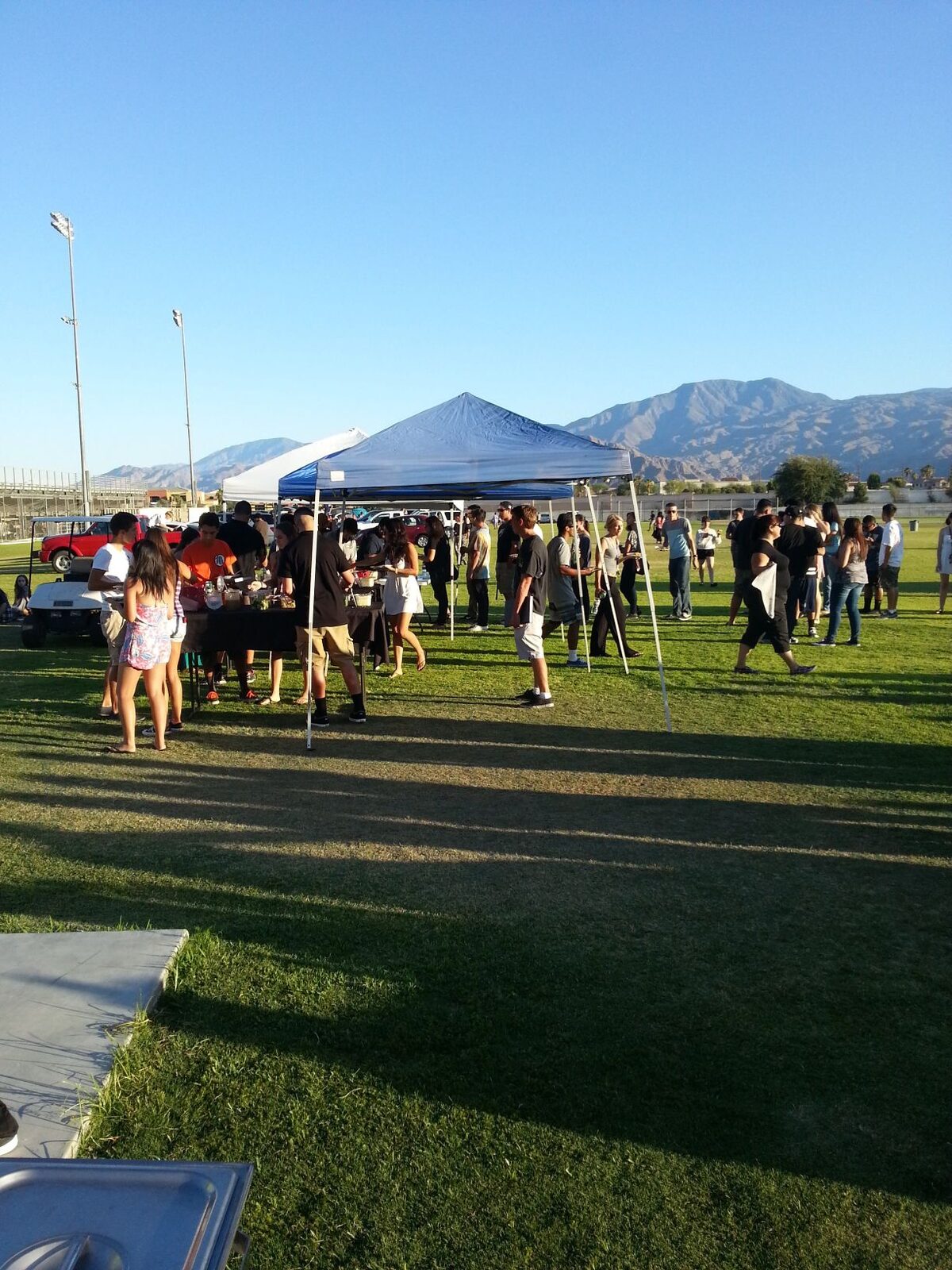
How to Show Up When Someone Searches for Taco Catering in Your City
A practical explanation of city and service-area pages for taco caterers who want to show up for local searches.
You serve Riverside. You do events there all the time. But when someone in Riverside searches for taco catering, your name does not show up.
That is the problem location pages are meant to fix.
A location page is one page on your website built for one city or service area. It tells customers and Google that you provide taco catering in that specific place.
It helps even when the customer does not type “Riverside” into Google. Someone in Riverside might just search “taco catering” or “taco catering near me.” Google uses their location, or at least a good estimate of it, to decide which local results to show. A useful Riverside page gives Google a clearer reason to connect your business to that search.
Location pages are not about gaming Google with dozens of copied templates. They are about making it obvious where you actually work.
What a Good Location Page Does
A good location page answers two questions the customer already has.
Can you handle my event in this city? And can I trust you enough to reach out?
It should feel like a real page, not a form with the city name swapped in. Someone planning a backyard party or a quinceañera should land on it and immediately know whether you are a fit.
If you are writing one, include these basics:
- The city or area you serve and the types of events you handle there
- What your taco catering setup includes: on-site cooking, meats, toppings, salsa, tortillas, service, cleanup
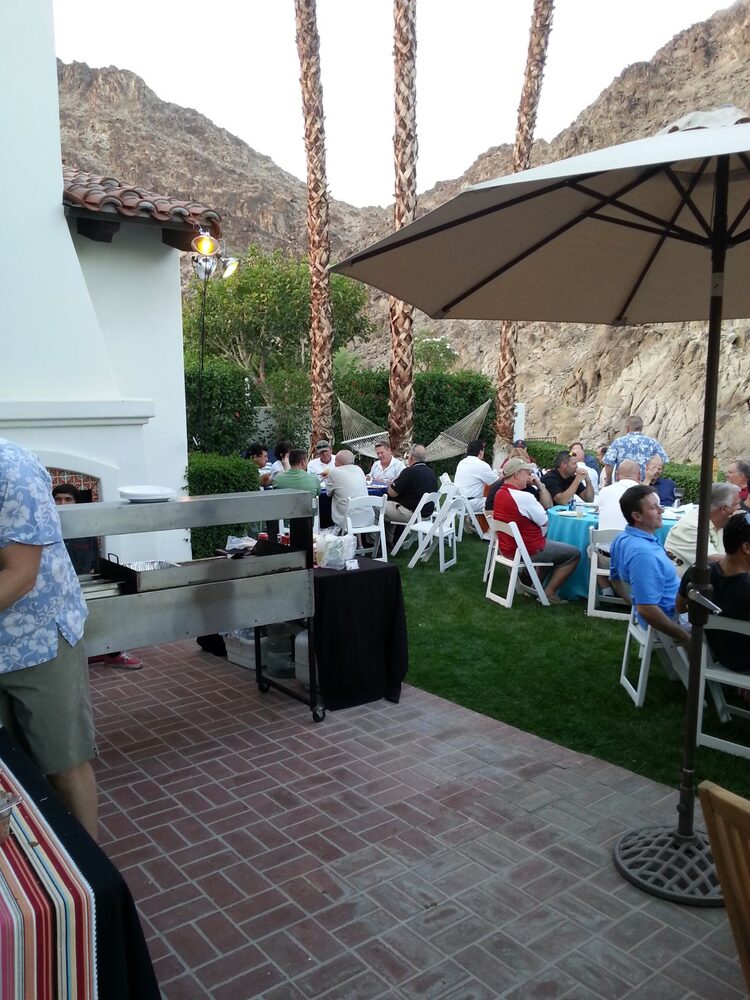
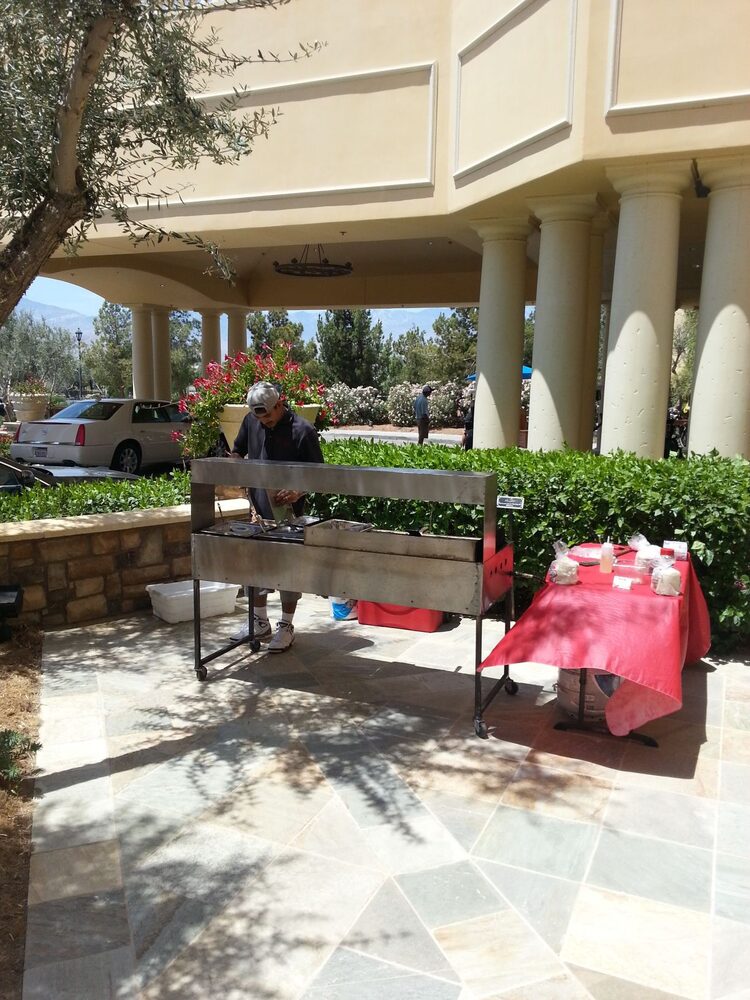
- Real event photos if you have them (actual photos beat stock images every time)
- Nearby areas you also serve, but only the ones that are genuinely in your service range
- A clear way to call, text, or request a quote
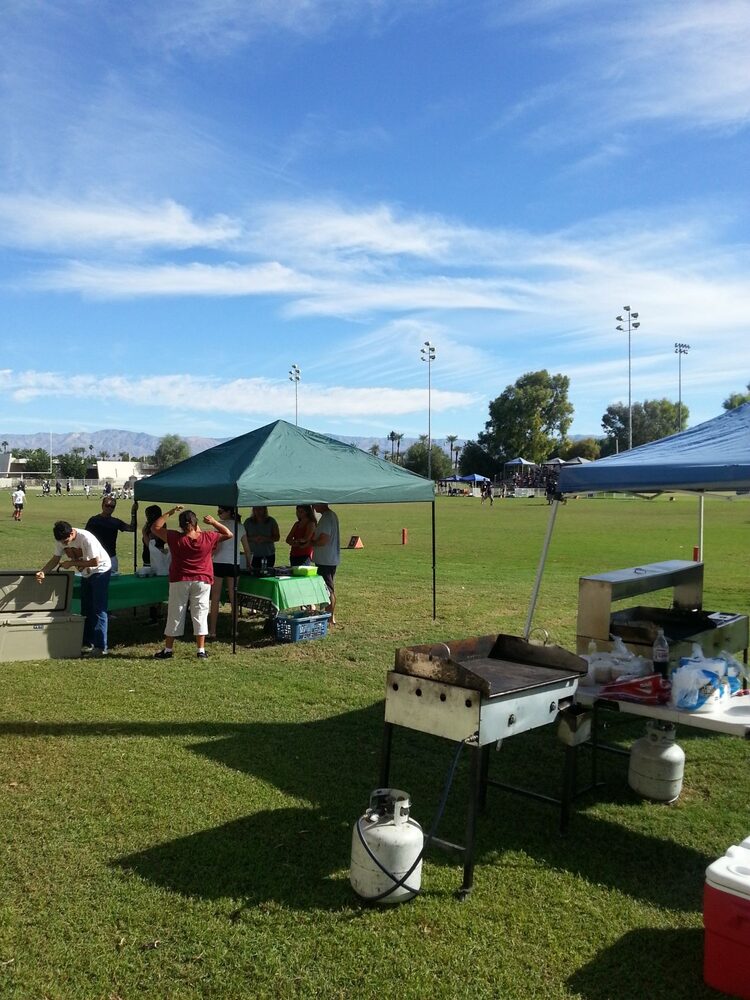
Customers should feel like you understand their area and the kind of event they are planning. Google should be able to read the page and see that this city is a real part of your service area.
What a Bad Location Page Looks Like
Bad location pages are easy to spot and harder to trust.
They copy the same text over and over, changing only the city name. They say things like “best taco catering Riverside taco catering services” instead of actually describing what you do. They do not mention event types, service details, or anything useful.
Google has gotten better at ignoring thin template pages like that.
Customers ignore them too. Someone planning a real event can tell when a page was built for search engines instead of for them. The page feels fake, and that feeling rubs off on your business.
You do not need a page for every city you might drive to. Start with the places that matter most to your business. A few useful pages that actually describe your service in each city beat a single generic page that just lists city names, and they beat thirty weak pages nobody reads.
When you list 30 cities on one page, Google does not know which city to rank that page for.
It may rank you for all of them, but weakly. Instead of showing up near the top for Riverside, you end up buried on page two or three for every city on the list. Individual pages give Google a clear signal about each place.
How Location Pages and Your Google Business Profile Work Together
Your Google Business Profile and your website should tell the same story about where you work.
Your profile lists your business name, service areas, photos, reviews, posts, hours, phone number, and website. Your website adds more detail: the kinds of events you do, what your setup looks like, how to request a quote.
When your profile says you serve Riverside and your website has a useful Riverside taco catering page, those signals reinforce each other. That matters whether the customer types “taco catering Riverside” or just searches for taco catering while they are in or near that city.
This does not promise a specific ranking. Google looks at many things beyond your city pages: how close you are to the searcher, how complete and active your profile is, how many reviews you have, how consistently you post photos and updates, and what competitors are doing.
But useful location pages give Google clearer signals to work with. They also give customers a page that matches the place where their event is happening.
If you work events in a city but do not have a storefront there, you can still show up for searches in that city. A service-area business with a complete Google Business Profile and useful city pages can appear in local results even without a physical address in every market.
How Many Location Pages Do You Need
Start with three to five cities.
Pick the ones where you already get calls or have done events. Cities with steady wedding, birthday, graduation, or company lunch demand make sense. Cities close enough to serve profitably belong on the list. Cities where competitors keep showing up and you do not also belong on the list.
Do not build pages for places you would not actually serve. A few useful pages beat fifty weak ones every time.
The Foundation Comes First
Location pages work best when the rest of your marketing is already in decent shape.
If your homepage is vague, your service page is thin, and your Google listing looks inactive, adding city pages will not fix the bigger problem. Build the basics before you expand into new city content:
- A clear homepage
- A services or menu page
- A photo gallery with real event shots
- An about page
- A contact or quote page
- A complete Google Business Profile
- Steady photos, posts, and review replies
Then add location pages for the cities that matter most. Local visibility is not one trick. It is a system where clear information, consistent activity, and useful pages all point in the same direction.
If you are still deciding whether you need the website foundation first, read When Your Taco Catering Business Actually Needs a Website.
A few common mistakes to watch for:
- Building pages for cities you do not really serve
- Copying the same page over and over
- Stuffing city names into every sentence
- Using fake photos or making claims you cannot back up
- Promising availability where the travel time or setup cost makes the gig unrealistic
A location page should match how you actually run the business. If the page sounds like a template, the customer feels it.
Location pages help Google and customers connect your taco catering business to the cities you actually serve. They help when someone searches with the city name, and they help when someone searches without one and Google uses their location to decide what to show.
You can plan and write these pages yourself. But it takes time to do them well, keep them connected to your site, and maintain the Google listing activity that makes them work.
Keep Going
Do you need the site first? When Your Taco Catering Business Actually Needs a Website
Keep your listing active: The Weekly Google Maps Routine for Taco Caterers Who’d Rather Be Cooking